- Product

- Pricing
- Affiliate Program
- Developers
- Resource
 EN
ENManage multiple logins with MoreLogin multi-account browser. Create reusable browser profiles with fingerprint and proxy matching, team permissions, Synchronizer, and Local API automation.
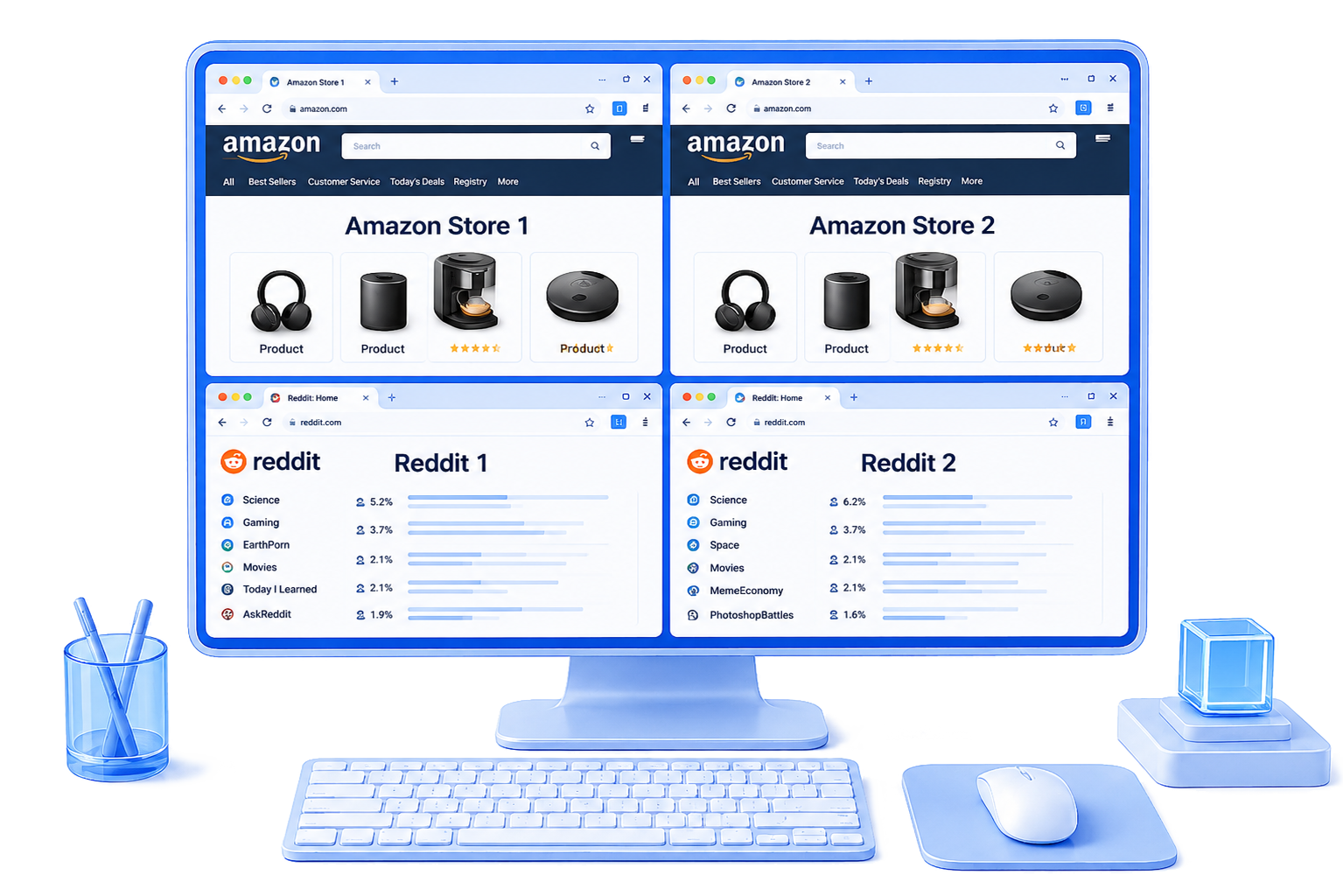
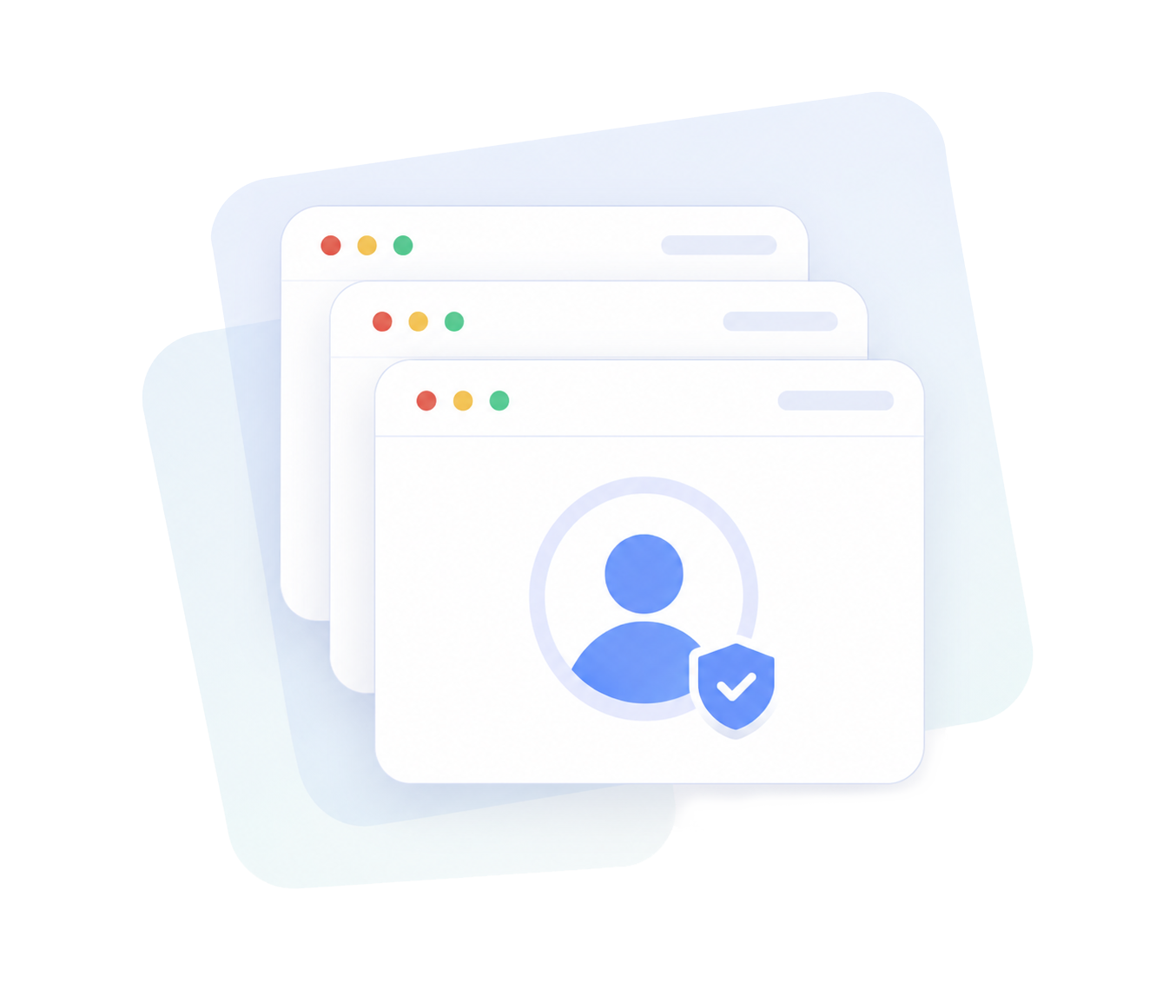
A multi-account browser is a browser tool that helps users open and manage multiple accounts in separate sessions or profiles. It keeps cookies, cache, and login states apart, so users do not need to log in and out repeatedly.
This works for simple account access. But for long-term multi-account work, session separation is not enough. MoreLogin adds reusable isolated browser profiles, fingerprint and proxy matching, team permissions, asset protection, Synchronizer, and Local API automation.

Keep browser profiles and account environments under company ownership.

Build more consistent browser profiles with matched device and network signals.

Assign profile access without giving away full account control.

Keep browser profiles and account environments under company ownership.

Repeat actions across multiple profiles from one main window.

Automate profile workflows and connect with browser automation tools.
MoreLogin gives each account its own reusable browser profile with separate cookies, storage, login state, proxy settings, and fingerprint configuration.
Teams can reopen the same account environment whenever they need it, instead of logging in again, rebuilding profile settings, or switching between temporary browser sessions.
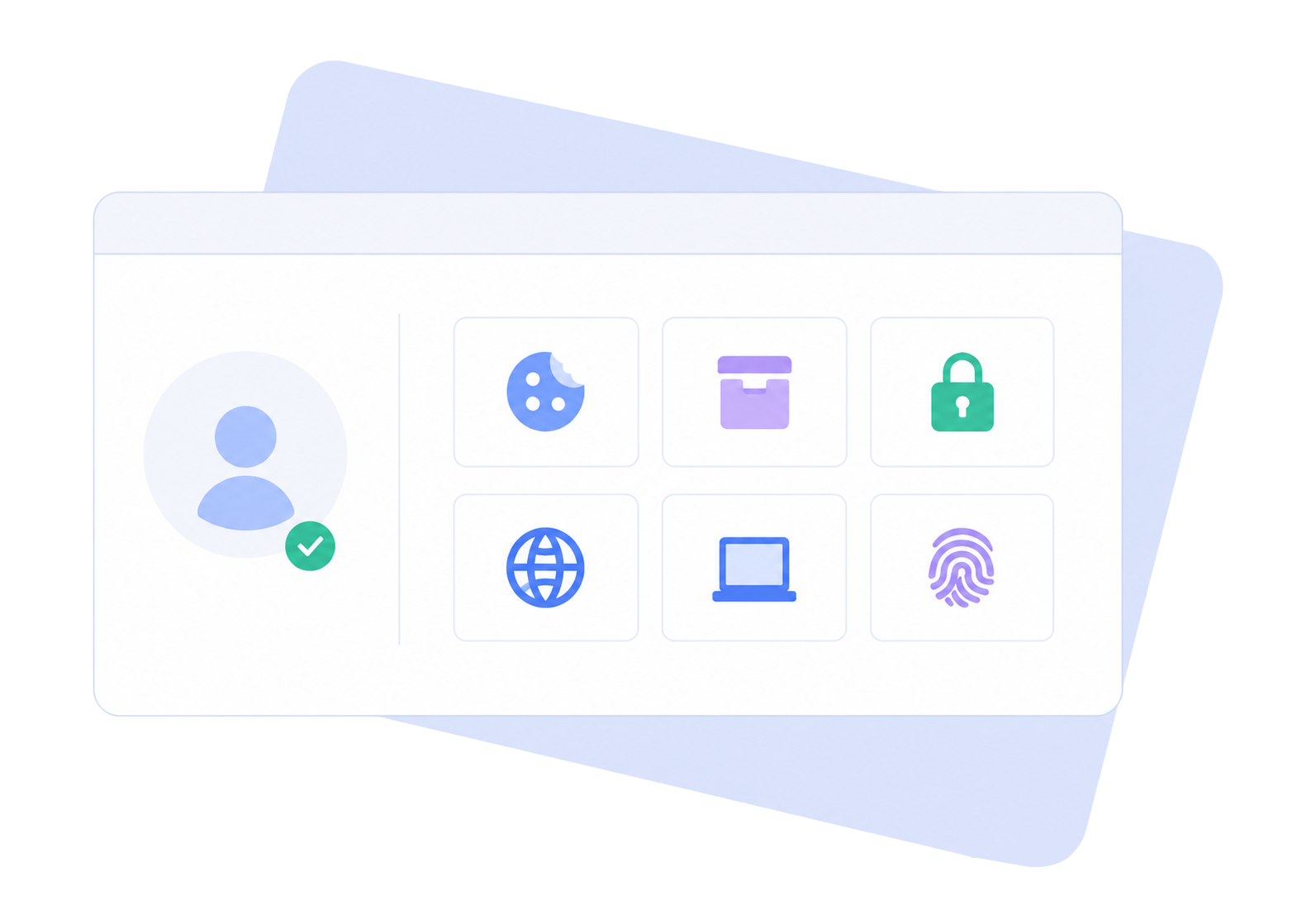
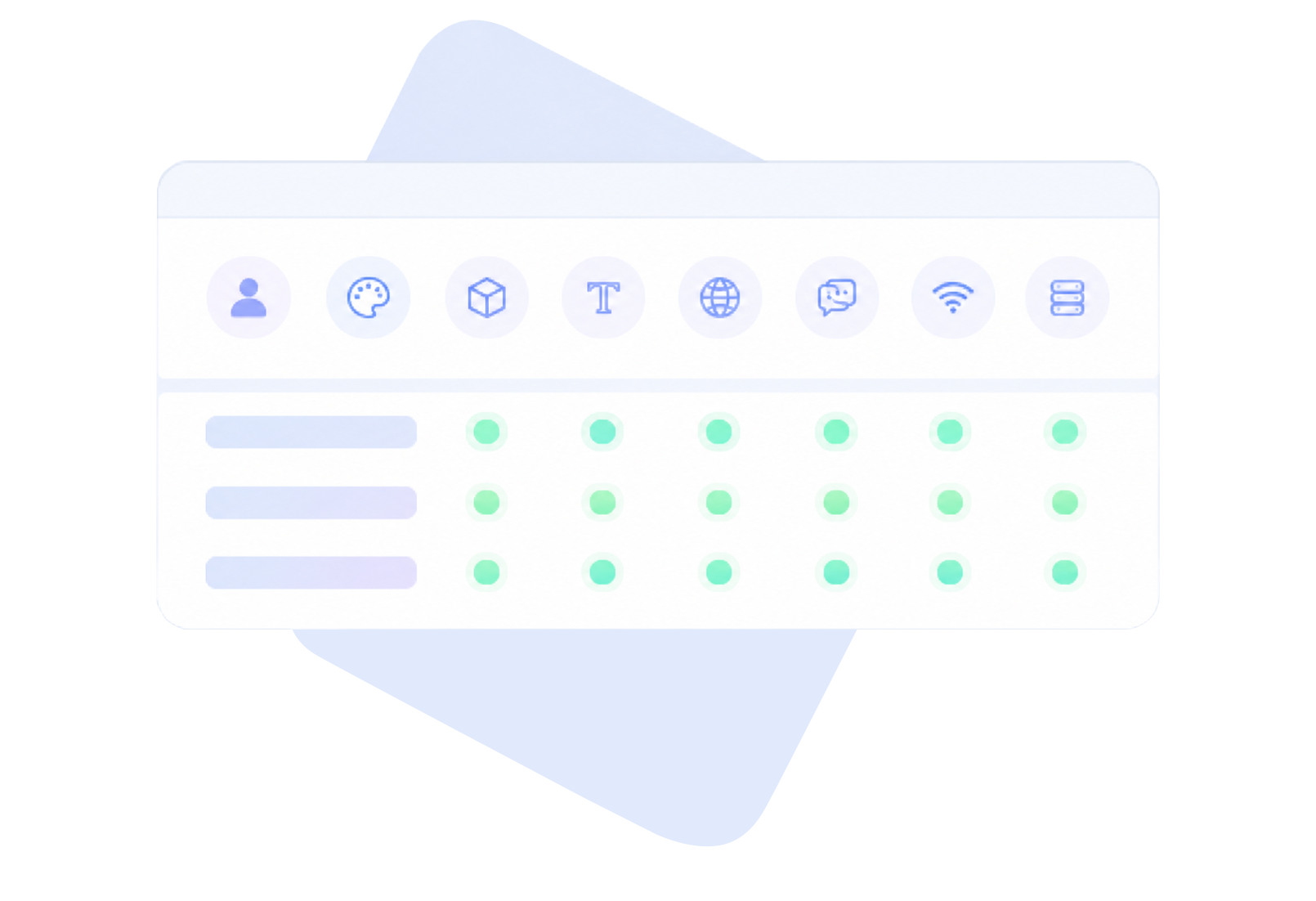
MoreLogin helps teams create more consistent browser environments by configuring key browser signals such as User-Agent, Canvas, WebGL, fonts, timezone, language, WebRTC, and proxy-related settings.
When each account has a stable profile and matched network environment, teams can manage long-term account work with cleaner separation and fewer environment changes.
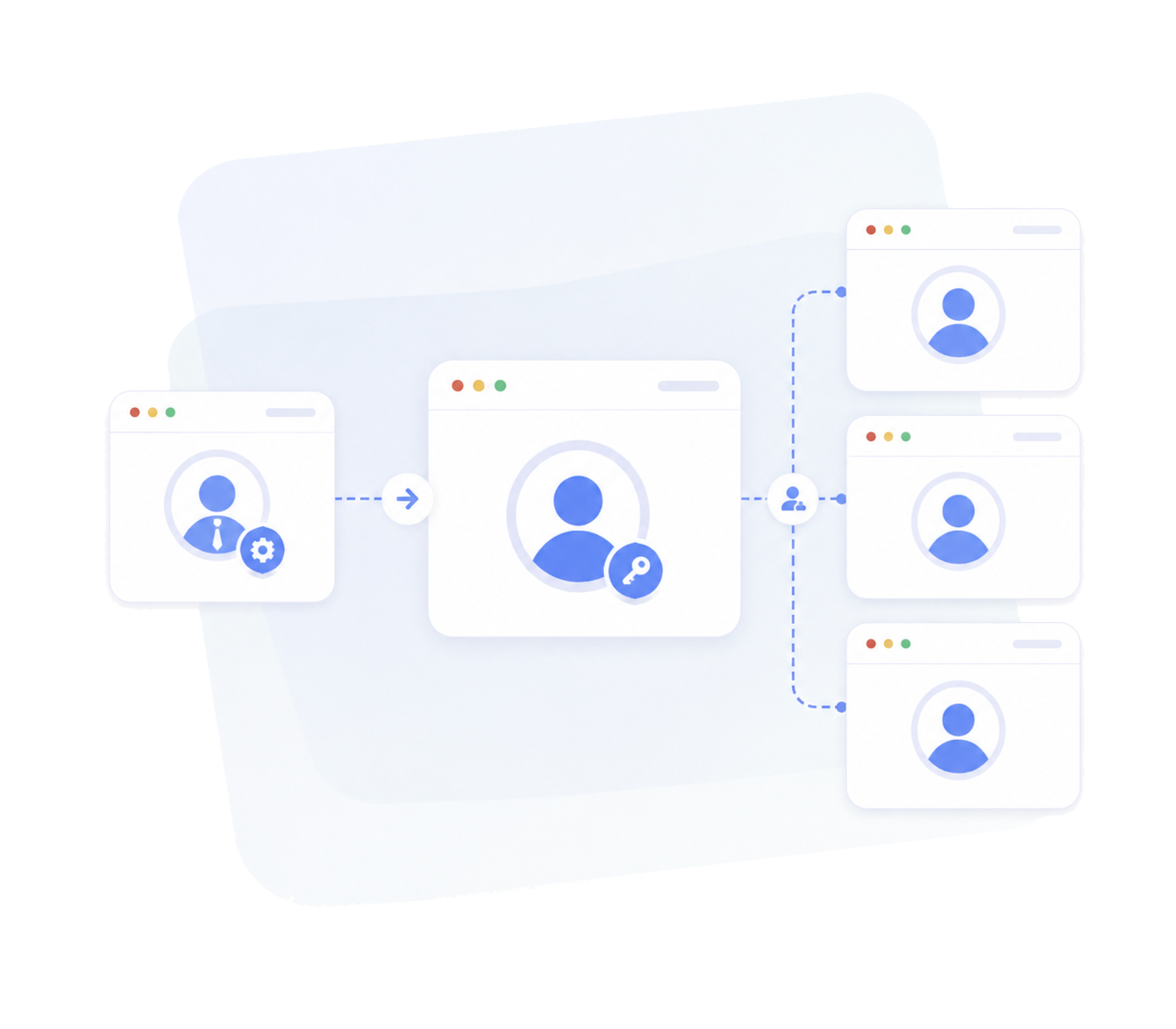
MoreLogin lets managers assign browser profiles to team members without handing over full account ownership or sensitive access.
Teams can control who can open, edit, transfer, or manage profiles, helping keep account assets under company control even when workflows involve multiple employees, clients, or projects.
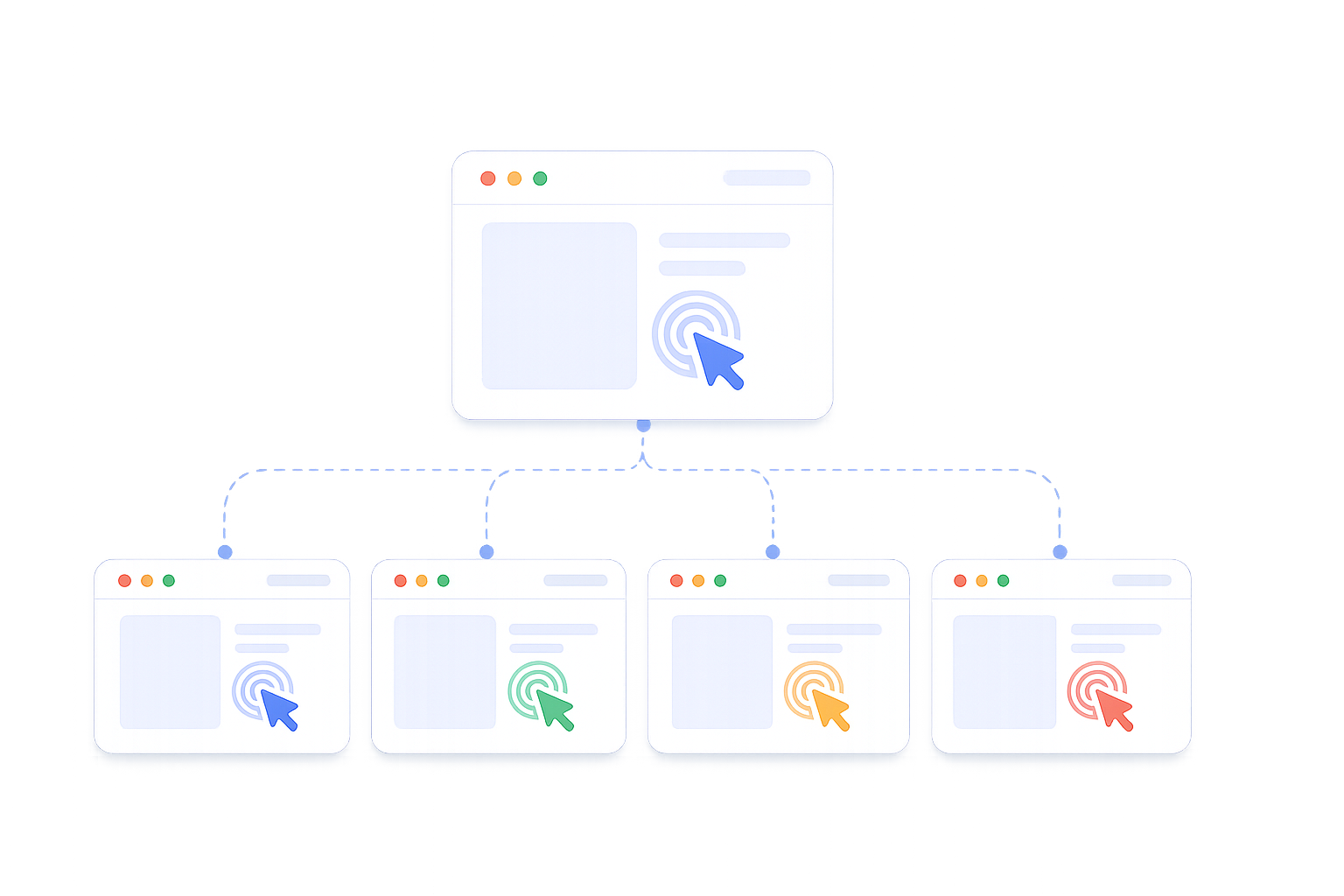
Repeated actions take time when teams manage many accounts. MoreLogin Synchronizer mirrors actions from one main browser window to multiple profile windows.
Use it for repeated setup, navigation, form input, checks, and other daily operations that would otherwise need to be done one profile at a time.
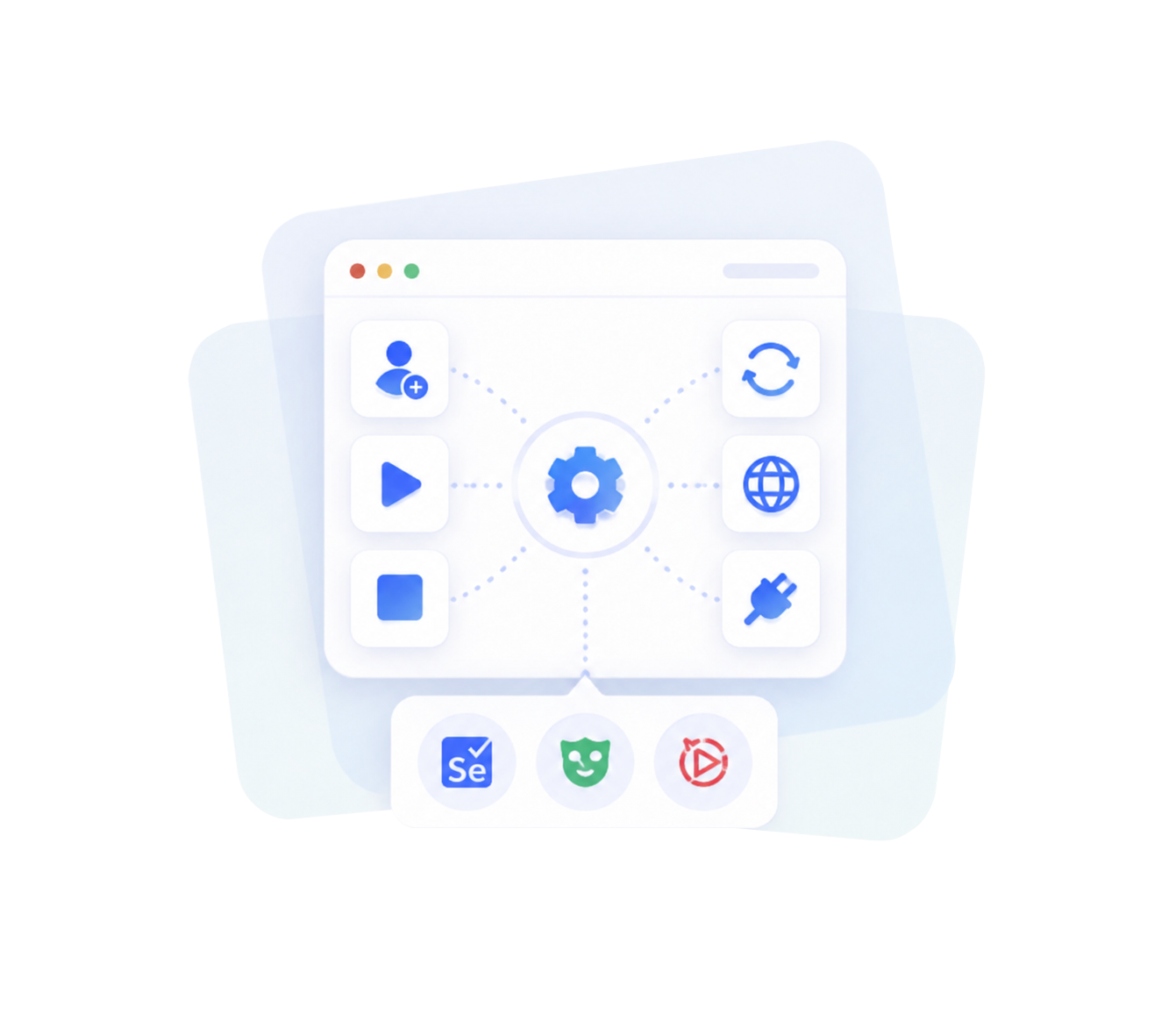
For technical teams, MoreLogin Local API helps automate browser profile workflows such as creating profiles, starting and stopping profiles, refreshing profiles, updating proxies, and connecting browser automation tools.
Developers can integrate MoreLogin with Selenium, Puppeteer, or Playwright to build repeatable workflows around browser profiles.
Install the MoreLogin desktop app, then log in to access your workspace.
Create separate browser profiles for your accounts. Add proxies, configure fingerprint settings, and organize profiles with tags and folders.
Open your profiles, sign in to your accounts, and manage daily workflows. You can also share profiles with your team, use Synchronizer for repeated actions, or connect Local API for automation.


Create reusable browser profiles, assign them to your team, and use Synchronizer or Local API when your workflow grows.


A multi-account browser is a browser tool that helps users manage multiple accounts in separate sessions or browser profiles.
No. MoreLogin is an Antidetect Browser built for long-term multi-account management. It does not only separate logins. It also helps isolate browser profiles, configure fingerprints, match proxy settings, reuse account environments, manage team permissions, protect account assets, and automate workflows.
A multi-account browser mainly focuses on session separation. An antidetect browser goes further by creating isolated browser environments with fingerprint control, proxy matching, profile reuse, team permissions, asset control, and automation support.
Reusable browser profiles help teams keep cookies, storage, login states, proxy settings, and fingerprint configurations together, so each account can be reopened in the same environment for long-term work.
Yes. Managers can assign browser profiles to employees, control access, and remove permissions when needed.
Yes. MoreLogin Synchronizer can mirror actions from one browser window to multiple profile windows, which helps with repeated setup, form input, navigation, checks, and daily multi-account operations.
Yes. Each browser profile can be configured with its own proxy, helping teams separate accounts by region, platform, client, or project.
Yes. MoreLogin offers 2 free forever Antidetect Browser profiles. Users can also get 100 free Cloud Phone minutes as a cross-product trial offer.
 EN
EN